Available
Every screen in the outlet, run from one place.
Menu boards, promotions and in-store screens — scheduled by time of day, checked remotely and changed from the cloud, without anyone climbing a ladder.
From the console to the wall.
Make a change once and every screen that should show it picks it up — in every outlet, on schedule.
CreateCONSOLEBuild a menu board or promotion from your photos and prices.
ScheduleCONSOLEPick the screens, the days and the hours it should run.
PublishCLOUDOne click sends it to every screen that should show it.
PlaySCREENEach player downloads and plays it, and keeps a copy for outages.
CheckCONSOLESee which screens are playing, and which need attention.
Screens that never go stale.
Menu boardsPrices, photos and categories laid out for the wall.
Day-part schedulesBreakfast, lunch and dinner boards swap on their own.
PlaylistsPromotions, videos and stills in a rotation you set.
Screen groupsSend content to one screen, an outlet or every outlet.
Device statusOnline, offline and what is playing, for every screen.
Portrait and landscapeContent laid out for the way each screen is mounted.
Motion from stillsTurn product photos into short clips for the screen.
RolesHead office designs, outlet managers schedule within limits.
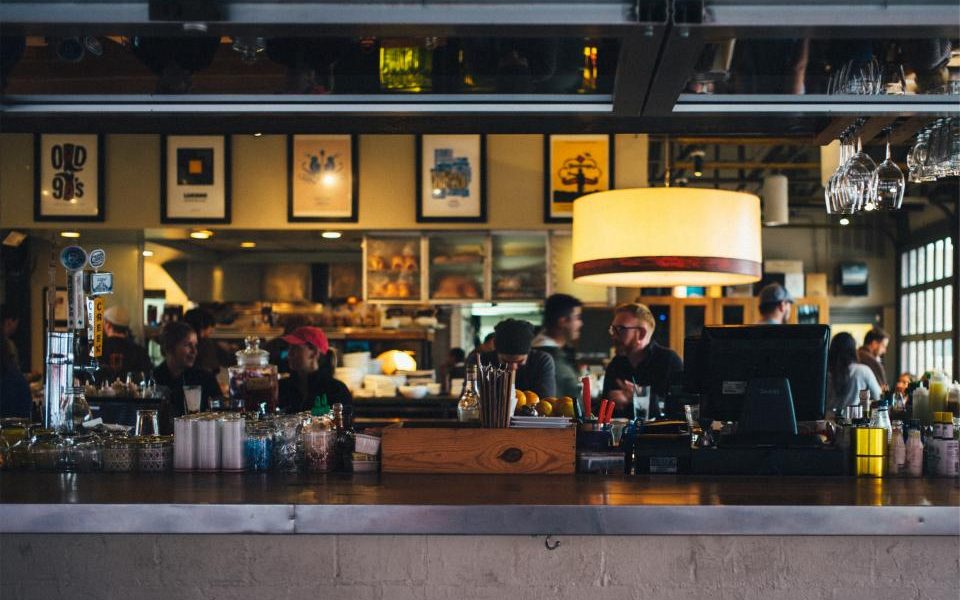
Know which screen is down before a guest does.
Every player reports in. See what each screen is showing and when it was last online, from anywhere.
Android players and smart TVs.Pair a screen with a short code, landscape or portrait. If the network drops, it keeps playing what it already has.
A board for breakfast, lunch and dinner.
Build a board once, then let the schedule swap it through the day. Turn a still photo into a short motion clip for the screen.
- Day-part schedules
- Landscape and portrait
- Motion from stills
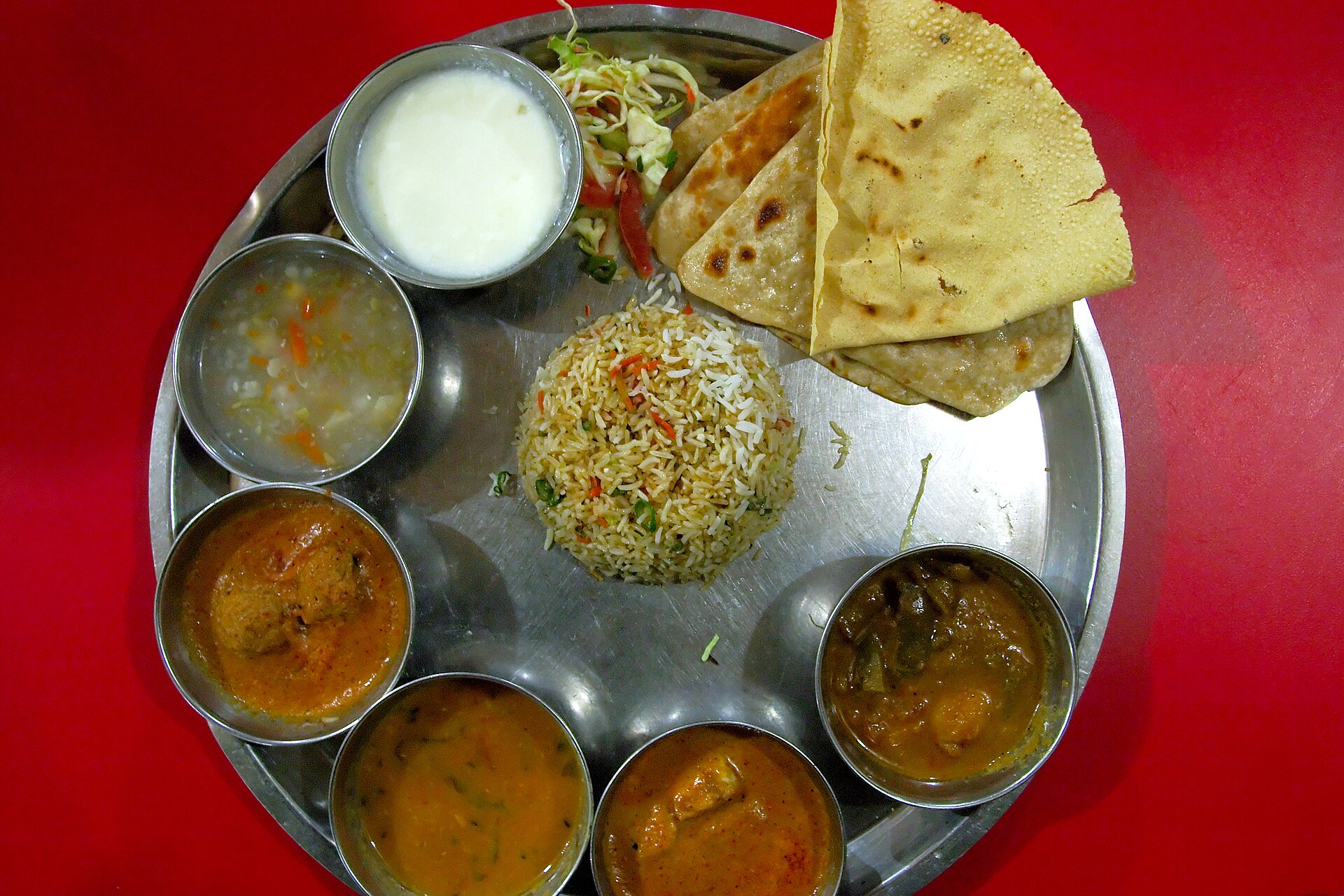
ROS'E on the wall. The menu behind it.
Link planned
Boards that follow the restaurant menu
Price changes and sold-out items from the till shown on the wall.
Link planned
Order-ready screens
Token numbers called on a screen when the kitchen bumps a ticket.
Link planned
Delivery promotions
Your own delivery offers shown on the screens in your outlets.